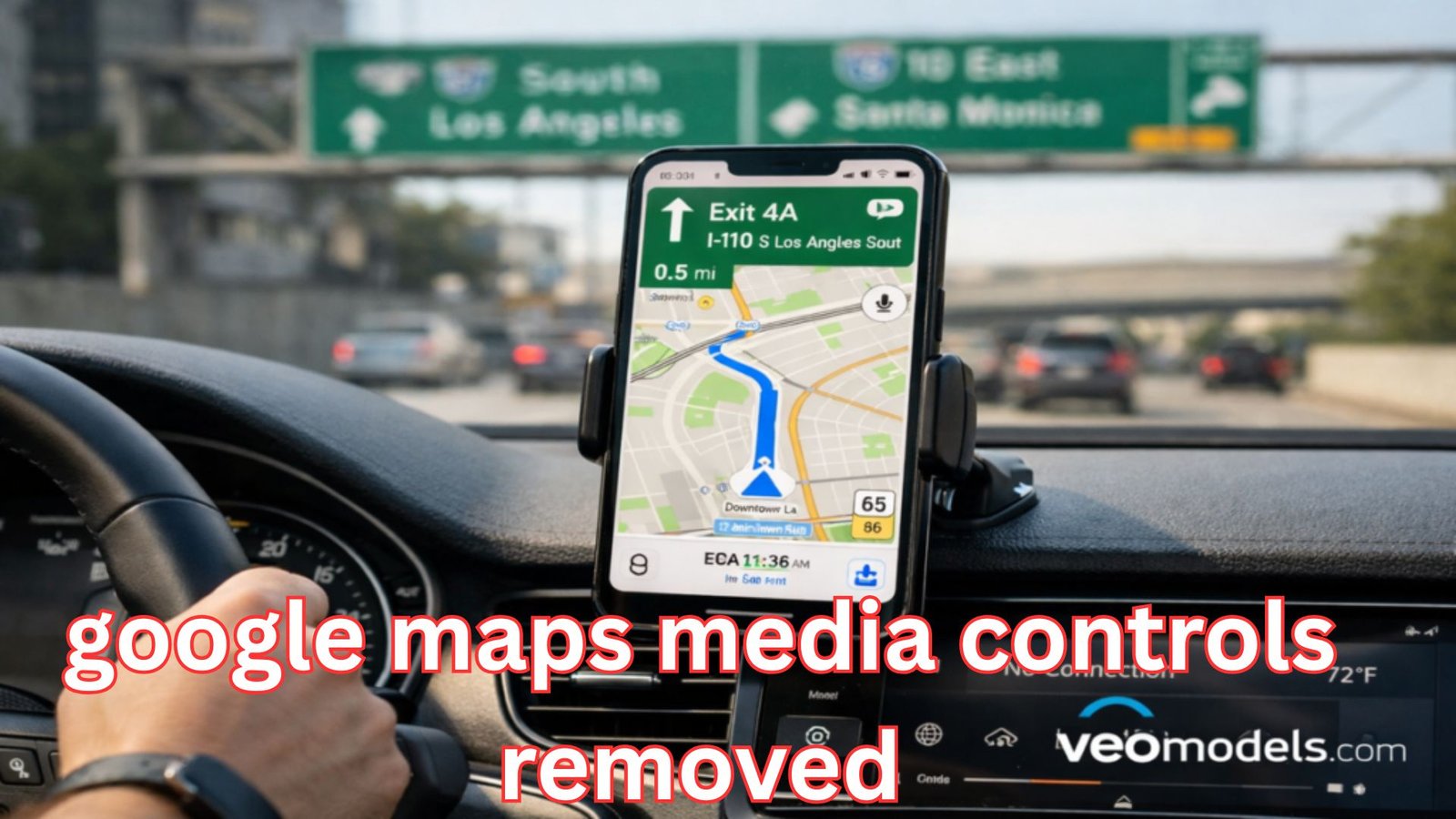
Google Maps media controls removed from the app has recently become a widely discussed change among Android users. Many people noticed that the convenient playback buttons that allowed them to control music while navigating suddenly disappeared after updates. For drivers who relied on this feature to safely manage their audio without switching apps, the change has created confusion and frustration. Although navigation remains the primary purpose of Google Maps, the removal of integrated playback controls has sparked conversations about usability, safety, and the evolving priorities of app development.
For years, Google Maps was more than just a navigation tool. It also worked as a central hub where drivers could quickly pause, skip, or play songs from streaming apps like Spotify, YouTube Music, or Apple Music while following directions. This seamless integration reduced distractions and made driving smoother. Now that the feature is gone for many users, people are trying to understand why the change happened and whether it is temporary or permanent.
Why Google Removed In-App Media Playback Controls
The decision behind removing integrated playback tools appears to be connected to Google’s broader design strategy and system-level media management updates. Over time, Android has evolved to centralize media controls within the operating system itself rather than inside individual apps.
Previously, Google Maps included a small media widget on the navigation screen. This allowed drivers to interact with their music player without leaving the map interface. However, Android now provides universal media controls through the notification panel, lock screen, and quick settings. Because of this shift, developers may see less need to duplicate those functions within separate applications.
Another possible factor is user interface simplification. Modern app design trends emphasize minimal layouts that focus only on the core purpose of the application. For Google Maps, that purpose is navigation. By removing extra interface elements, the company might be aiming to create a cleaner and less cluttered driving experience.
Still, the decision has not been universally welcomed. Many drivers felt the feature made navigation safer because they did not need to switch apps or pull down notifications while driving.
Google Maps Media Controls Removed: What Users Are Experiencing
When the update rolled out, some users immediately noticed that their navigation screen looked different. The familiar playback buttons that used to appear near the bottom of the screen were missing. For people who frequently relied on those controls during road trips or daily commutes, the change felt sudden.
In many cases, the update removed the setting that previously allowed users to enable playback controls inside the navigation interface. Even after checking app settings or reinstalling the application, the option remained unavailable.
The reaction across online communities has been mixed. Some users quickly adapted by using system notifications or voice commands. Others argued that the original feature was more convenient because it placed controls exactly where drivers were already looking.
A significant portion of feedback centers on safety concerns. Drivers prefer not to interact with their phones while on the road, and the previous integration helped minimize distractions.

The Role of Android’s System-Level Media Controls
To understand the change fully, it helps to look at how Android handles audio playback today. Modern versions of the operating system already include powerful system-wide media controls that appear automatically whenever music or podcasts are playing.
These controls are accessible through the notification shade, lock screen, Bluetooth car displays, and even some smartwatch integrations. Because of this centralized approach, Google may consider separate controls within navigation apps redundant.
For example, when a song is playing from Spotify or YouTube Music, Android automatically displays playback buttons in the notification area. Drivers can also interact with those controls through Android Auto or car infotainment systems.
From a technical standpoint, consolidating media management within the operating system can improve consistency across apps. Instead of each application building its own control interface, Android handles everything through a single unified system.
However, that convenience does not always translate perfectly for drivers using navigation apps.
How the Change Affects Drivers
Navigation and entertainment often go hand in hand, especially during long trips. Many people listen to music, podcasts, or audiobooks while following directions to their destination.
Before the change, drivers could adjust playback without leaving the map view. This made it easier to skip a track or pause audio while still watching upcoming turns.
Without integrated controls, drivers must rely on other methods such as:
Voice assistants like Google Assistant
Bluetooth steering wheel buttons in compatible vehicles
Notification panel media controls
While these alternatives work, they may not always be as convenient as the previous design. Not every vehicle supports steering wheel audio buttons, and pulling down notifications can briefly take attention away from navigation.
Because of this, some users feel that removing the feature reduced overall driving convenience.
Possible Reasons Behind the Design Decision
Large technology companies often test design changes before making them permanent. The disappearance of playback controls could be part of a broader experiment or interface redesign.
One reason might be the growing importance of Android Auto. Many drivers now connect their phones directly to their car displays, where navigation and media playback are already integrated into a dedicated driving interface. In such environments, Google Maps does not need its own playback controls because the vehicle system handles them.
Another factor may involve maintenance complexity. Supporting media integrations across multiple streaming services requires constant updates and compatibility adjustments. Removing those integrations simplifies the app and reduces the risk of bugs.
Finally, user data might have played a role. If analytics suggested that most drivers were using system controls or car dashboards instead of the in-app widget, Google may have decided the feature was no longer necessary.
Will the Feature Come Back?
Whenever a popular feature disappears, speculation begins about whether it might return in future updates. Google has a history of experimenting with interface changes and sometimes reversing decisions based on user feedback.
There are several possibilities for the future. The company might reintroduce the feature in a redesigned form, integrate it more deeply with Android Auto, or provide a new type of floating media widget that works across apps.
Another possibility is that third-party navigation tools may try to fill the gap. If drivers strongly prefer built-in playback buttons, competing apps could use that feature as a selling point.
For now, users who miss the functionality are hoping that strong feedback will influence upcoming updates.

Tips for Managing Music While Navigating
Even though the integrated widget is gone, there are still ways to control music efficiently while using navigation.
Voice commands remain one of the safest options. Google Assistant can pause songs, skip tracks, adjust volume, or open music apps with simple spoken commands. This allows drivers to keep their eyes on the road.
Bluetooth controls built into many steering wheels also offer quick playback management. When paired with a smartphone, these buttons can change songs or pause audio without touching the phone.
Another approach is using the quick settings panel on Android. While not as seamless as the previous navigation overlay, the system media player still provides all necessary controls within a swipe.
Over time, drivers may adapt to these alternatives, especially as Android continues to refine its system-wide media interface.
How This Change Reflects Broader Tech Trends
The removal of secondary features from apps is part of a larger trend in software design. Developers increasingly focus on making apps lighter, faster, and more specialized.
Instead of each application trying to perform multiple tasks, modern operating systems often handle shared features at the system level. Media playback controls are a good example of this shift.
Cloud services, voice assistants, and connected car platforms are also influencing how navigation apps evolve. As vehicles become more integrated with smartphones, many tasks that once happened inside individual apps may move to the car’s dashboard interface.
This means navigation tools like Google Maps may continue simplifying their mobile interfaces while relying on broader ecosystems for additional functionality.
Conclusion
The discussion around google maps media controls removed highlights how small design changes can significantly impact everyday user experiences. While the feature was never the primary focus of the navigation app, it played an important role for drivers who wanted quick access to music controls without leaving the map screen.
Google’s decision likely reflects a shift toward system-level media management and a cleaner interface focused on navigation. Even so, many users believe the integrated controls made driving safer and more convenient.
As the Android ecosystem continues to evolve, the future of in-app media integration remains uncertain. Whether the feature eventually returns or drivers fully adapt to alternative controls, the conversation demonstrates how closely people rely on their digital tools during daily travel.
Also Read: Olympian Motors: The Ultimate Breakthrough in Modern Automotive Innovation