Learning how to copy link correctly is a simple but essential digital skill. Whether you want to share a website, send a video to a friend, reference an article, or save a page for later, copying a link allows you to move information quickly across apps, devices, and platforms. This small action plays a huge role in daily internet use, especially for students, professionals, and anyone who communicates online.
Most modern devices make link copying quick and intuitive, but the exact method can vary depending on whether you are using a phone, tablet, or computer. Understanding the different approaches helps you work faster and avoid confusion when sharing content across social media, messaging apps, email, or documents.
Understanding What a Web Link Is
A web link, often called a URL, is the address that points to a specific location on the internet. Every webpage, image, video, or document hosted online has its own unique address. When you copy that address, you capture a reference that can be pasted anywhere else.
Links typically begin with a protocol such as http or https, followed by the domain name and sometimes additional path information that identifies a particular page. When someone clicks that address, their browser navigates directly to the same content.
Copying this address means you are essentially saving the pathway to that digital resource. Instead of explaining where a page is located, you can simply share the link and allow others to access it instantly.
Why Copying Links Is Important in Everyday Internet Use
Sharing links is one of the most common activities online. Messaging platforms, social networks, blogs, and productivity tools all rely on link sharing to distribute information efficiently.
Students frequently share research sources with classmates. Content creators distribute articles and videos to their audience. Businesses provide links to product pages, support articles, or service information. Even casual conversations often include links to music, memes, or interesting stories.
Without the ability to duplicate a link quickly, sharing online resources would become much slower and more complicated. Copying an address ensures accuracy while allowing content to travel across multiple platforms instantly.

How to Copy Link on a Computer
On desktop or laptop computers, copying a link is usually done through a web browser such as Google Chrome, Mozilla Firefox, Microsoft Edge, or Safari.
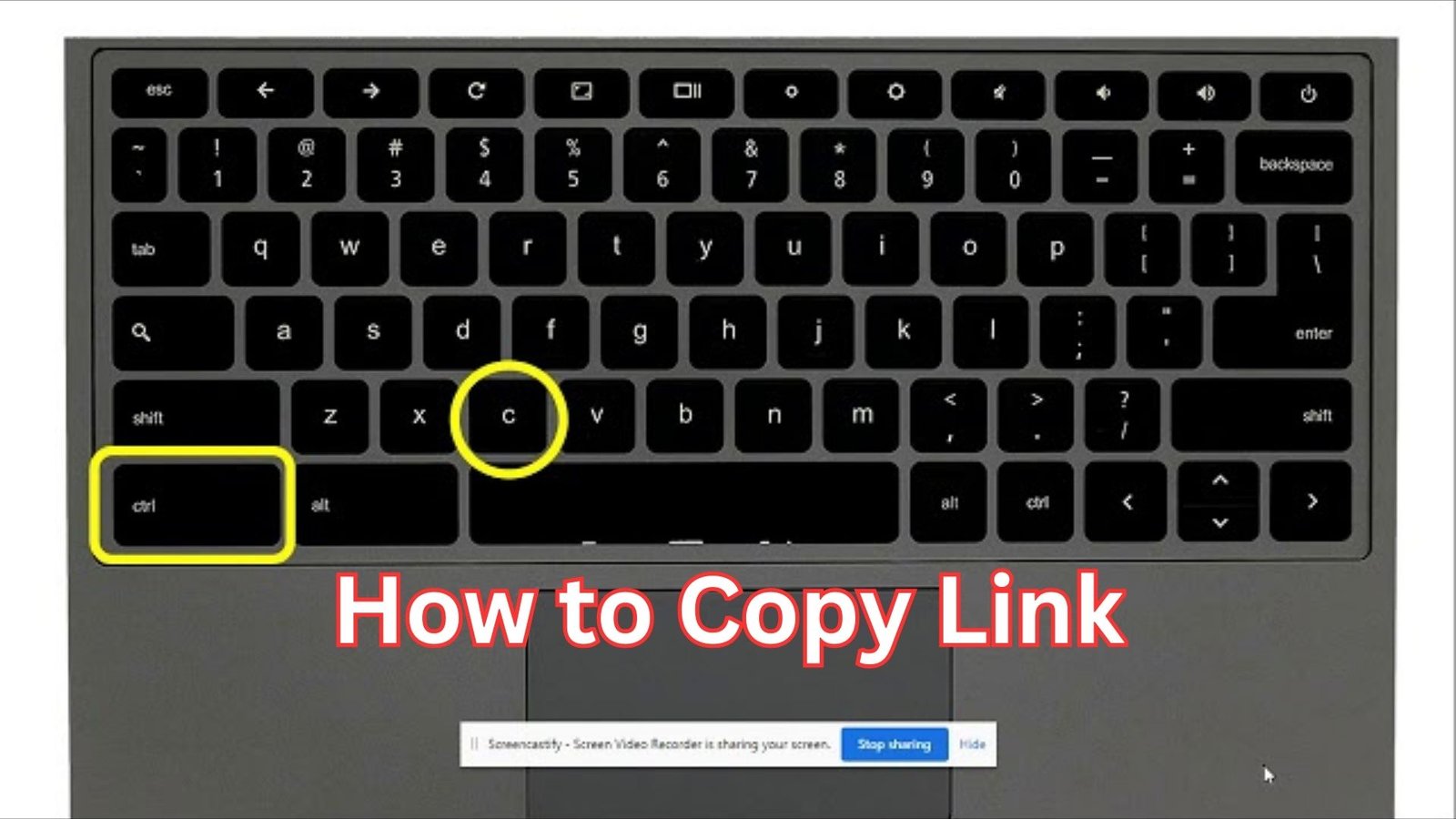
The most direct method involves the browser’s address bar. When you open a webpage, the full address appears at the top of the window. By clicking once in the address bar, the entire URL becomes highlighted. From there, you can use the keyboard shortcut Ctrl + C on Windows or Command + C on macOS to duplicate it.
Another common approach uses the right-click menu. When you right-click on a hyperlink within a webpage, a menu appears with options such as “Copy link address” or “Copy link location.” Selecting that option copies the link without opening the page itself.
This method is useful when you want to share a link without navigating away from the page you are currently viewing. It also works on images, buttons, and embedded media that contain clickable URLs.
Copying Links on Smartphones and Tablets
Mobile devices rely on touch gestures instead of keyboard shortcuts, but the concept remains the same. Most phones allow users to copy links through a simple press-and-hold action.
On smartphones running Android or iOS, pressing and holding a link usually opens a small menu with several options. One of these options allows you to copy the address to the device clipboard.
Once the link is copied, you can paste it into messaging apps, email drafts, notes, or social media posts. The clipboard temporarily stores the copied address until another item replaces it.
Mobile browsers also include a share button, which often provides an option to copy the page address. This method is especially convenient when sharing content from video platforms, news sites, or blogs.
How to Copy Link From Social Media Platforms
Social networks make link sharing extremely common. Instead of copying from the browser bar, these platforms usually provide built-in sharing features.
For example, when viewing a post or video on Facebook, Instagram, YouTube, or TikTok, tapping the share icon typically reveals an option to copy the link directly.
This feature is designed to simplify distribution across other apps. After copying the link, users can paste it into messaging platforms like WhatsApp or send it through email and chat services.
These built-in tools reduce the need to manually locate the page address, which is especially helpful on mobile devices where screen space is limited.
Using Copied Links in Different Applications
Once a link is copied, it can be pasted into virtually any text field. Email clients, messaging apps, documents, and notes applications all support link pasting.
Writers and bloggers often paste links into articles or references to cite sources and direct readers to additional information. Businesses frequently use links in marketing emails or promotional posts to guide customers to product pages.
Developers and technical professionals may paste links into documentation, project trackers, or collaboration tools. This allows teams to share resources and maintain organized references.
Because links remain active when pasted, readers can simply click them to open the destination page instantly.

Common Mistakes People Make When Copying Links
Although copying links is simple, small mistakes can occasionally cause problems when sharing them. One of the most common issues occurs when only part of the URL is copied. If the full address is not included, the link may not lead to the intended page.
Another mistake involves copying text that appears like a link but is not actually the clickable address. Sometimes websites display shortened text or titles while the real link remains hidden underneath.
Users also occasionally paste links with extra spaces or formatting characters, which may break the URL when someone tries to open it.
Being careful to select the complete address ensures that the link works correctly when shared.
Security and Privacy Considerations
Not all links should be shared publicly. Some websites generate private or temporary links that grant access to restricted files or documents. Sharing those links unintentionally may expose information that was meant to remain private.
Cloud storage services, collaboration platforms, and document tools often allow users to control whether a link is public or restricted. Before sharing, it is important to check the permissions associated with that link.
Another safety concern involves suspicious or shortened links that hide their true destination. Clicking or sharing unknown links can expose users to phishing websites or malicious downloads.
Taking a moment to review the link before distributing it helps maintain both privacy and security.
How to Copy Link Efficiently Across Devices
Modern technology makes it easier than ever to move links between different devices. Many browsers and cloud services synchronize information across phones, tablets, and computers.
For example, browsers connected to a single account can share tabs and history across devices. Messaging apps also allow users to send links to themselves so they can open them later on another device.
Clipboard management tools and productivity apps further simplify this process by saving copied items and allowing them to be reused later.
These features make link sharing a seamless part of daily digital workflows.
The Role of Links in Online Communication
Links form the backbone of the internet. They connect billions of webpages and allow users to move from one source of information to another instantly.
Whenever someone shares a blog post, video, article, or product page, they rely on a link to guide others to that resource. This system allows information to spread rapidly across websites, communities, and platforms.
Because links are so central to online communication, even small skills such as copying and pasting them become essential for navigating the digital world effectively.
Conclusion
Understanding how to copy link properly helps users share information quickly, collaborate more efficiently, and navigate the internet with confidence. Whether working on a computer, smartphone, or tablet, the process typically involves selecting the link, copying it to the clipboard, and pasting it wherever it is needed.
As online communication continues to grow, links remain one of the most powerful tools for connecting people to information. Mastering this simple skill ensures that you can share webpages, videos, documents, and resources effortlessly across any platform or device.
Also Read: iPhone 16E Case: Powerful Protection Guide for a Smarter Choice