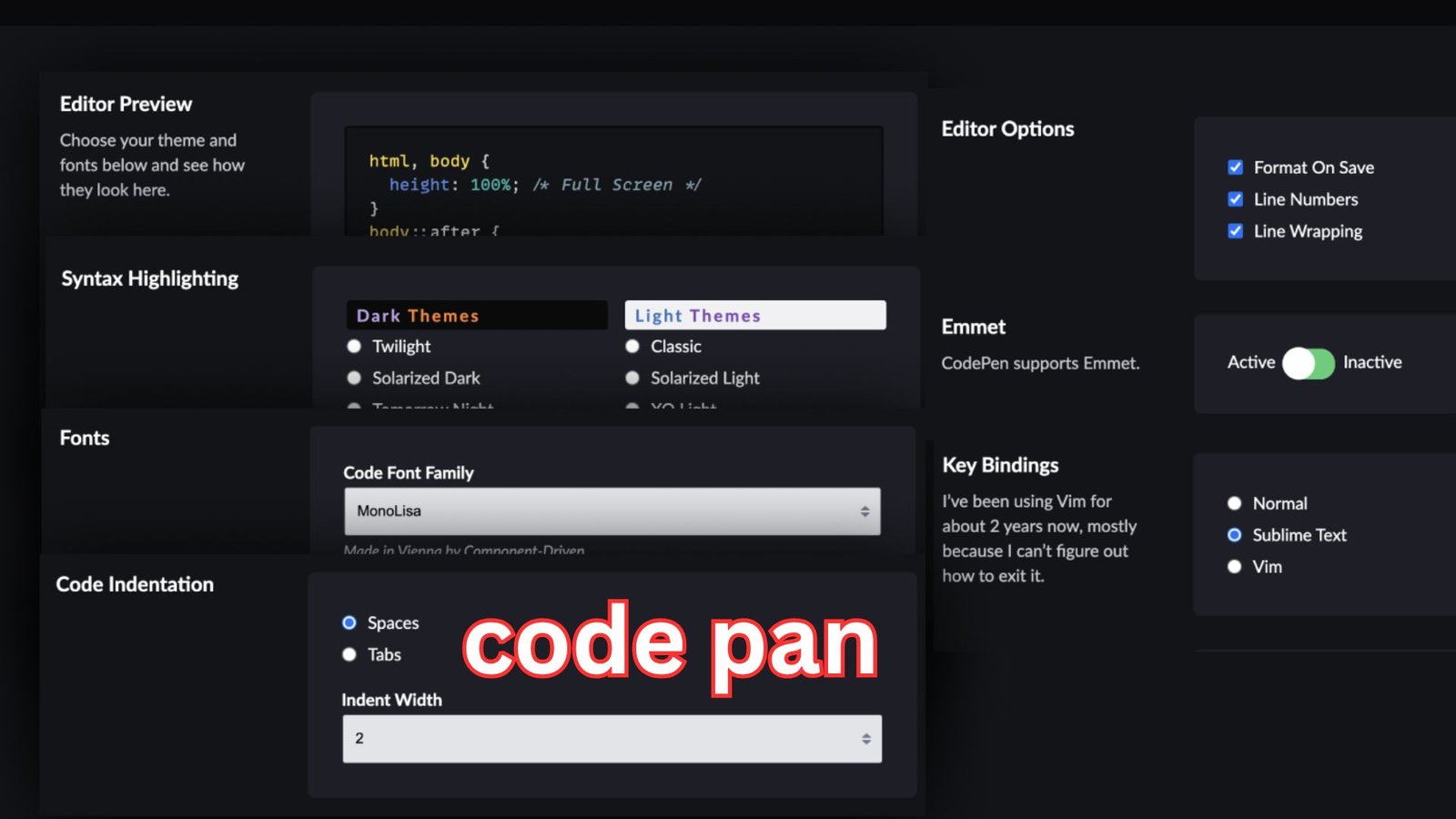
Code pen has become one of the most trusted and creative playgrounds for front-end developers, designers, and curious learners who want to experiment with code in a live environment. It offers a space where ideas turn into interactive experiences without the friction of complex setups or local servers. This platform has reshaped how people learn, share, and test web concepts, making modern development more accessible and enjoyable for everyone.
In today’s fast-moving digital world, interactive coding environments are no longer optional. They are essential for rapid learning, collaboration, and experimentation. This article explores the platform in depth, focusing on how it works, why it matters, and how developers can use it effectively without overcomplicating their workflow.
Table of Contents
Understanding the Purpose of Code Pen in Web Development
At its core, code pen is a browser-based development environment designed specifically for front-end technologies. It allows users to write HTML, CSS, and JavaScript and instantly see the results in real time. This instant feedback loop encourages creativity and reduces the time between idea and execution.
Unlike traditional development tools that require installations and configuration, this environment removes barriers. A user can open a browser, start typing, and immediately experiment with animations, layouts, or interactions. This simplicity is one of the main reasons it has become popular among both beginners and experienced professionals.
The platform also emphasizes sharing and learning through visibility. Developers can explore public projects created by others, remix existing experiments, and learn by observing real, working examples rather than abstract explanations. This community-driven aspect has turned it into more than just a tool; it is a learning ecosystem.
How the Platform Enhances Learning for Beginners
For people new to front-end development, traditional learning paths can feel overwhelming. Installing editors, setting up environments, and debugging configuration issues often distract from actual learning. This is where code pen plays a crucial role by simplifying the process.
Beginners can focus entirely on understanding how markup, styles, and scripts interact. When a line of CSS changes a layout instantly or a JavaScript function animates an element on the screen, concepts become tangible. This immediate cause-and-effect relationship improves retention and builds confidence.
Another powerful learning advantage comes from public visibility. New developers can examine thousands of shared experiments to see how real developers solve problems. By editing and remixing these projects, learners gain hands-on experience that goes far beyond tutorials or static examples.

Why Designers Love Interactive Coding Environments
Designers increasingly work closer to code than ever before. Static mockups are no longer enough to communicate complex interactions, transitions, or responsive behaviors. Platforms like code pen allow designers to prototype ideas directly in the browser.
This approach bridges the gap between design and development. A designer can test hover effects, transitions, or layout variations and immediately understand how they feel in practice. This reduces misunderstandings when handing designs over to developers and leads to better final products.
The visual nature of the environment also supports creative exploration. Designers can quickly iterate on typography, color schemes, and animations without committing to a full project structure. The result is a more fluid and experimental design process that aligns with modern user experience expectations.
Community and Collaboration as a Core Strength
One of the most distinctive aspects of this platform is its strong community. Thousands of developers share their experiments publicly, creating a constantly growing library of inspiration. From simple button effects to complex visualizations, the range of shared work is enormous.
Collaboration is encouraged through features that allow others to comment on projects, suggest improvements, or build upon existing ideas. This open exchange of knowledge accelerates learning and fosters innovation. Developers are not isolated; they are part of a global conversation about web creativity.
This sense of community also helps developers stay motivated. Seeing how others approach problems or push creative boundaries inspires experimentation and growth. Over time, many users move from passive observers to active contributors, strengthening their skills and professional visibility.
Performance, Limitations, and Real-World Usage
While code pen is excellent for experimentation and learning, it is important to understand its limitations. The platform is optimized for front-end demos rather than full-scale applications. Complex backend logic, large data processing, or production-level performance testing are beyond its intended scope.
However, this does not reduce its value. Many developers use it as a sandbox for testing ideas before integrating them into larger projects. Animations, UI components, and interaction patterns can be refined in isolation and later adapted to production environments.
Performance within the browser is generally reliable for small to medium-sized experiments. For most creative and educational use cases, the responsiveness and stability are more than sufficient. Understanding where and how to use the platform ensures realistic expectations and productive workflows.

Code Pen for Professionals and Content Creators
Experienced developers and technical writers often rely on code pen to demonstrate concepts clearly. Instead of describing how a piece of code works, they can show it in action. This visual explanation is far more effective for tutorials, blog posts, and presentations.
Professionals also use the platform to build and showcase personal portfolios. Interactive demos highlight skills more convincingly than static screenshots. Recruiters and clients can explore real, functioning examples, gaining immediate insight into a developer’s capabilities.
For educators, the platform serves as a teaching aid. Lessons become interactive, and students can modify examples directly. This hands-on approach aligns well with modern learning preferences and improves engagement.
The Role of Code Pen in Modern Web Trends
As web technologies evolve, the need for rapid experimentation grows. New CSS features, animation techniques, and JavaScript APIs appear regularly. Code pen provides a safe environment to explore these innovations without affecting live projects.
Trends such as micro-interactions, creative scrolling effects, and immersive UI patterns are often born and refined in experimental environments like this one. Developers can test browser support, tweak performance, and gather feedback before adopting new techniques widely.
This role as an innovation hub keeps the platform relevant. It adapts alongside the web itself, supporting modern standards and encouraging creative risk-taking that drives the industry forward.
Security, Privacy, and Responsible Sharing
When sharing work publicly, developers should be mindful of security and privacy considerations. Code pen projects are typically visible to others, which is ideal for learning but not suitable for sensitive code or proprietary logic.
Responsible usage involves sharing only front-end experiments and avoiding exposure of confidential information. Understanding these boundaries allows users to benefit from community sharing without compromising professional or personal data.
The platform provides options for private projects, which are useful for internal testing or client work. This flexibility makes it suitable for both open collaboration and controlled experimentation.
Conclusion: A Positive Tool That Empowers Creativity
Code pen stands out as a powerful and positive force in the world of front-end development. It simplifies learning, encourages experimentation, and builds a sense of community around shared creativity. By removing technical barriers, it allows developers and designers to focus on what truly matters: turning ideas into interactive experiences.
Also Read: Sona Stock: Powerful Insights Into a Promising Auto Component Leader